What would you like to know about Victor?

Jobias is Victor's AI portfolio assistant. Ask about his work, skills, experience, or fit for your team.

Jobias can make mistakes. For important details, contact Victor directly.

AI chatbots such as ChatGPT appear simple and immaterial, but they rely on large cloud infrastructures that consume energy and water. TrackGPT responds to this hidden impact by making estimated water consumption visible during use. The extension reframes prompting as an environmentally situated action, rather than a neutral digital exchange. In this way, it combines critical design's focus on questioning hidden systems with strategic design's concern for creating a usable and accessible intervention.

Use arrows ↔
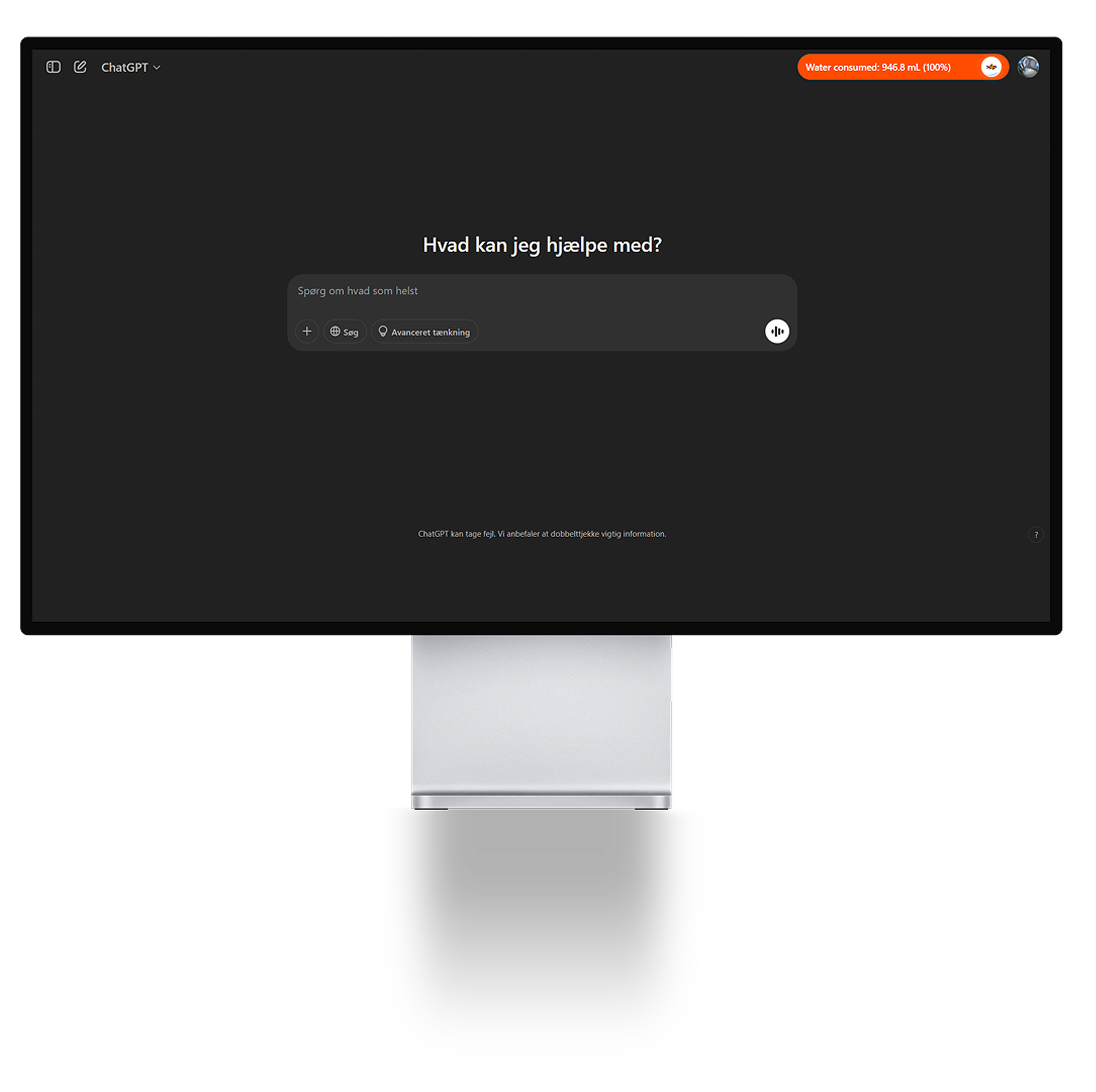
TrackGPT in the ChatGPT interface

The first interface layer is a small pill-shaped tracker placed directly inside the ChatGPT interface. Its bright orange colour contrasts with the dark UI, making water use visible without fully interrupting the user. This creates a form of "soft friction": users can continue prompting, but the environmental cost of each interaction remains present. The design therefore turns an ordinary AI interface into a space for reflection.

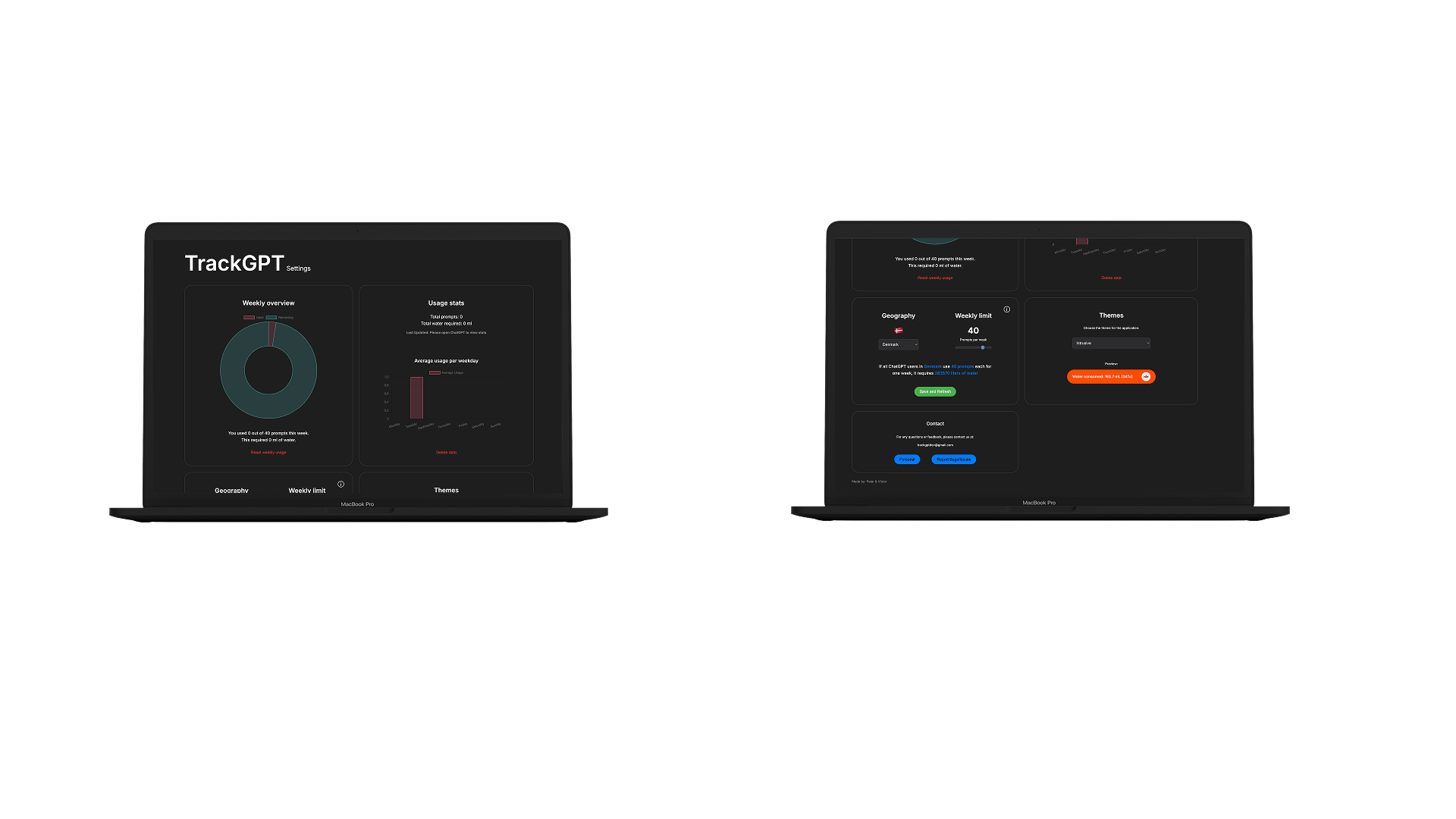
TrackGPT dashboard and statistics

The dashboard expands the intervention beyond real-time tracking. It gives users weekly statistics, prompt limits, theme options, and geographical comparisons. These features make the extension more than a warning symbol; they give users tools to understand and adjust their own habits. The fishbowl visualisation turns abstract water consumption into a more emotional metaphor, where depletion represents the environmental cost of AI use.

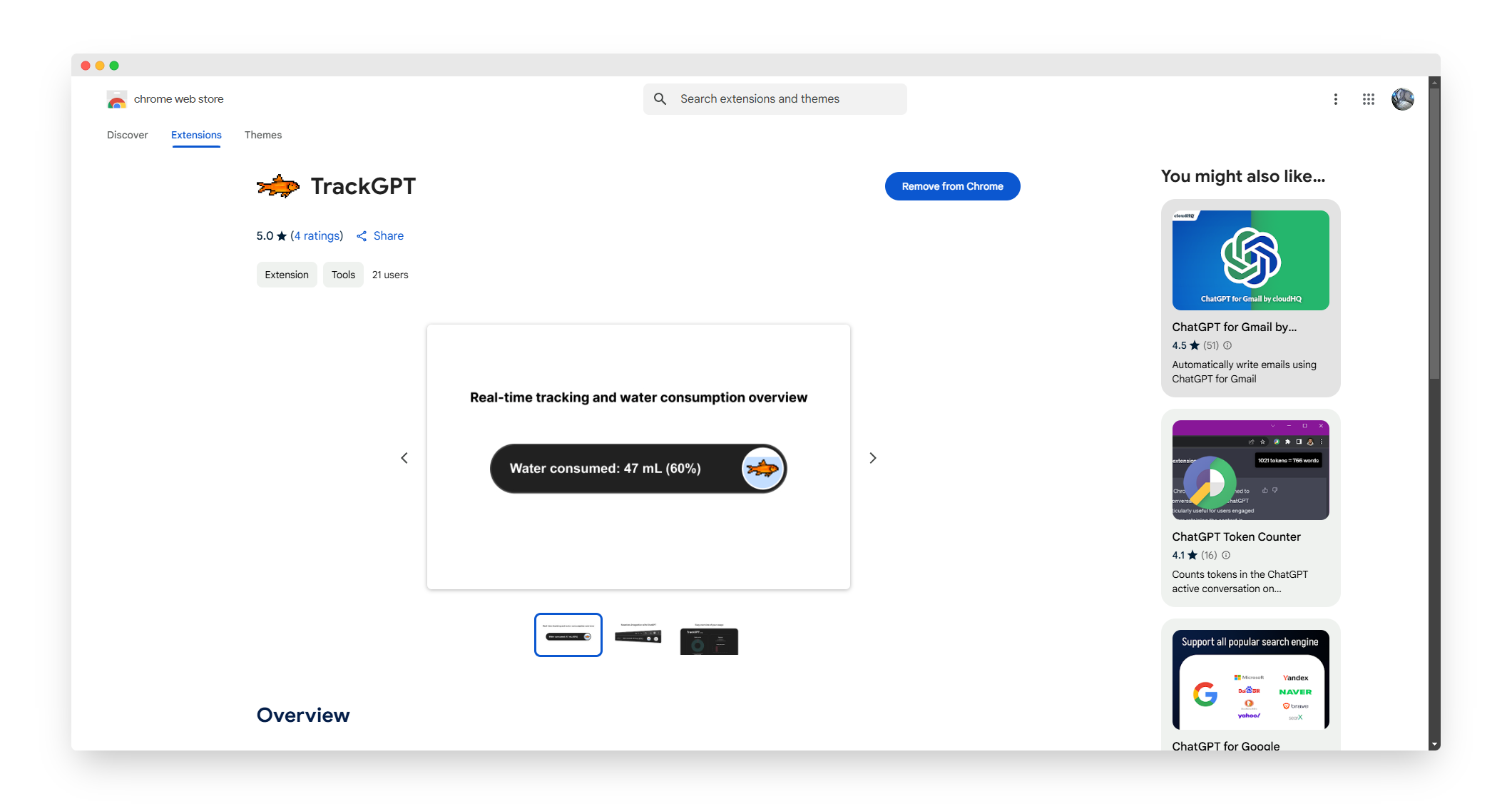
TrackGPT Chrome Web Store listing

TrackGPT has been published on the Chrome Web Store, making it available as a real tool rather than only a design concept. This lowers the barrier to use through a familiar platform with screenshots, ratings, reviews, and a standard installation process. At the same time, it creates a productive tension: TrackGPT critiques hidden digital infrastructures while being distributed through a major technology platform. This reflects the project's broader balance between critique and usability.

Add to browser

RoomPlanner

RoomPlanner is an interactive browser tool I created before moving into a new apartment. Instead of guessing whether furniture would fit, users can draw a room from real measurements, close its walls, add furniture with custom dimensions and prices, and rotate or reposition items while testing layouts.

Development stack
  • HTML5
  • CSS3
  • Vanilla JavaScript
  • SVG & DOM APIs
Try it yourself
Use arrows ↔
01 / The problem

Planning before access

When moving or redecorating, it is difficult to understand how real furniture will affect a space - especially before you can enter the room. The project compared three directions and selected a universal 2D planner that works with any furniture, rather than a fixed product catalogue.

Users People moving or redecorating
Need Know what fits before buying or moving
Direction Universal 2D planning without a furniture catalogue
02 / Interaction

Precision without losing immediacy

The solution combines exact numerical input with direct manipulation and familiar interface patterns. Users define walls from measurements, then position and rotate furniture directly in the plan. This keeps the tool precise while still making layout experiments quick and understandable.

  • Numerical input for precise walls and furniture
  • Direct manipulation for placement and rotation
  • Familiar menus, icons, windows, and pointer controls
03 / Testing

Faster, more consistent planning

In the small final usability study, the digital prototype was faster than the paper version and produced more uniform layouts with exact measurements. The sample was limited, but the results identified a clear direction for further iteration.

3-11 minpaper prototype
2-4 mindigital RoomPlanner
What I would improve next
  • Rename depth to length
  • Add clearer in-product help
  • Allow free-angle furniture rotation
  • Export and save plans
Try it yourself

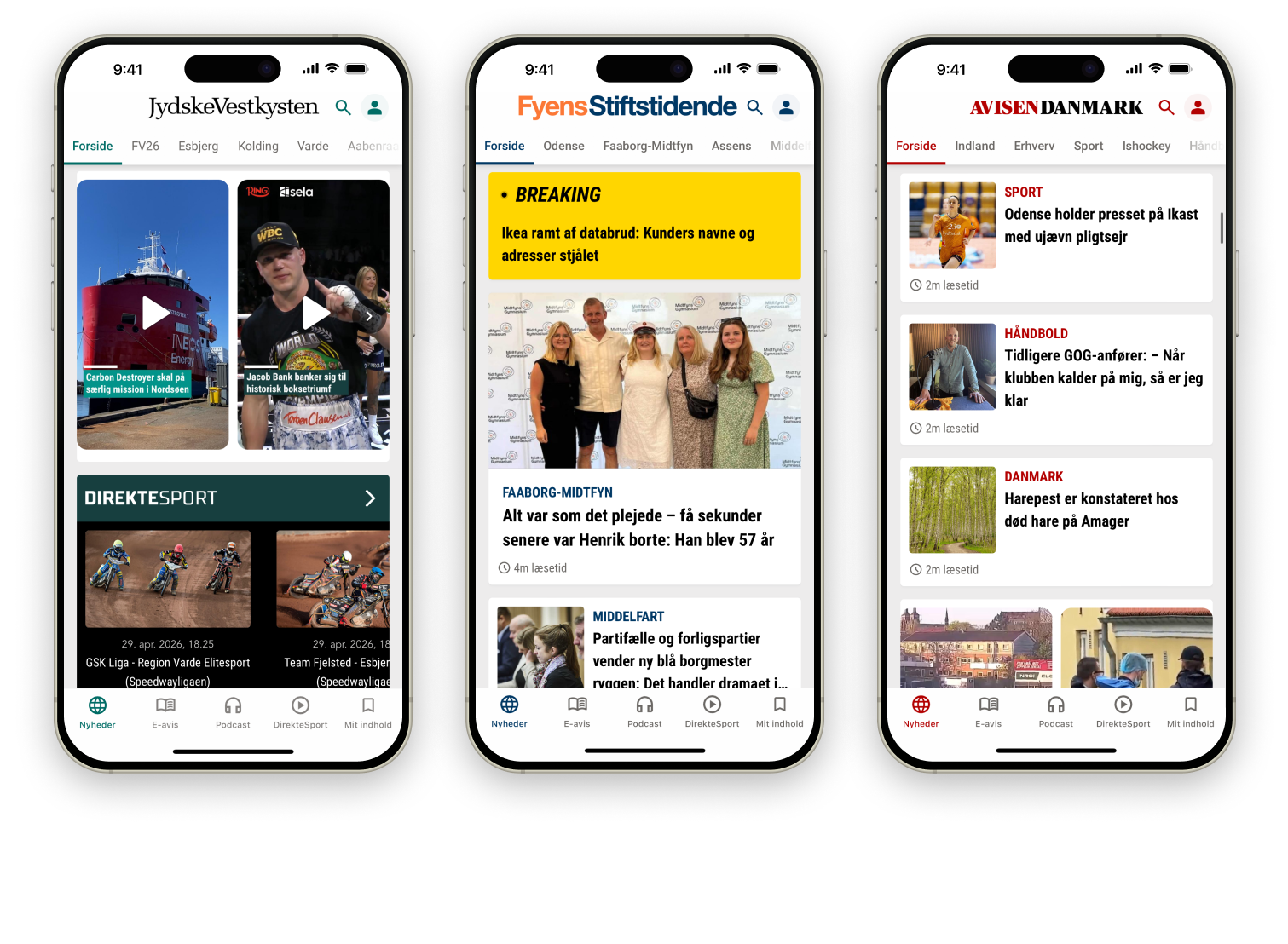
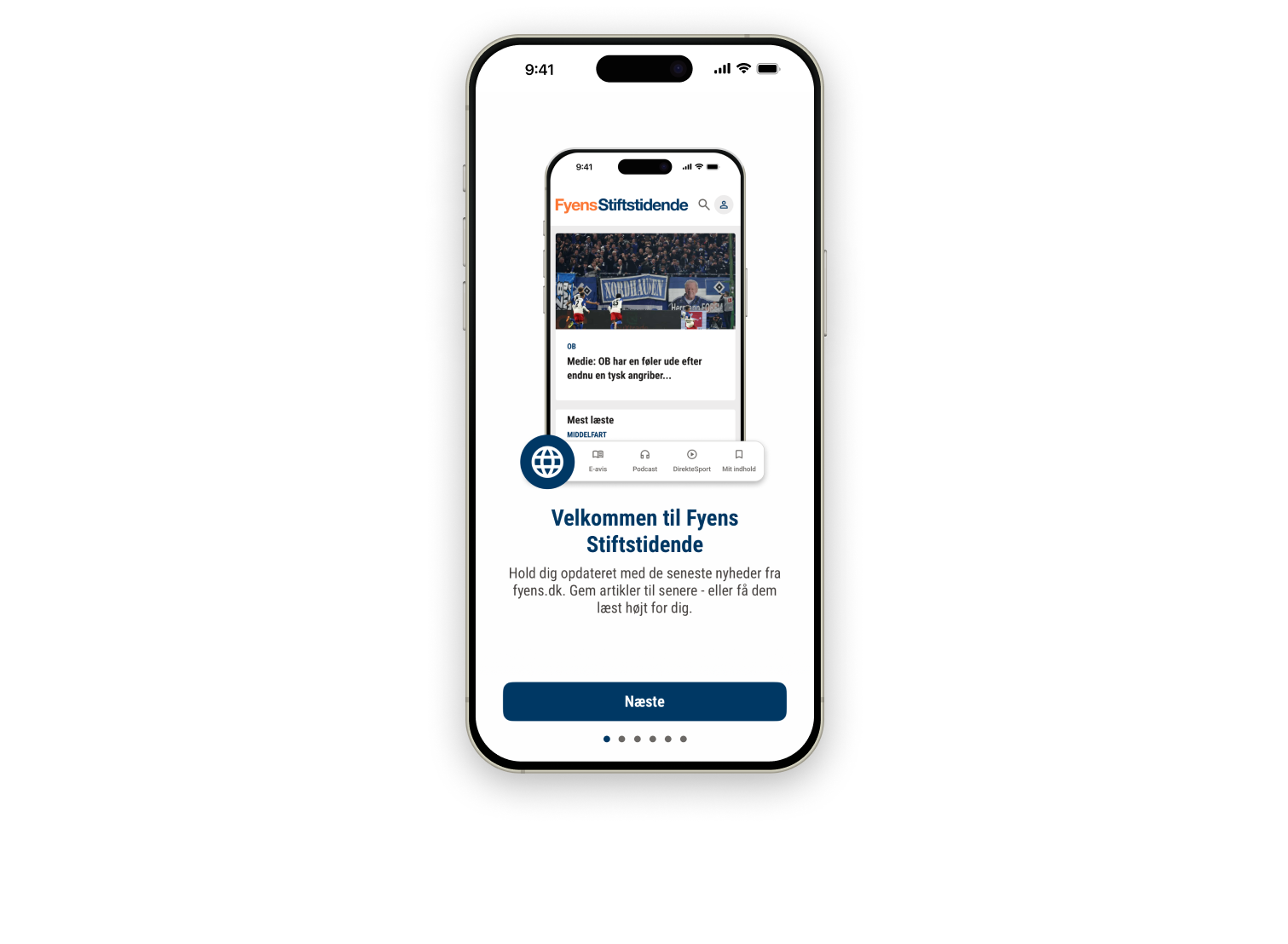
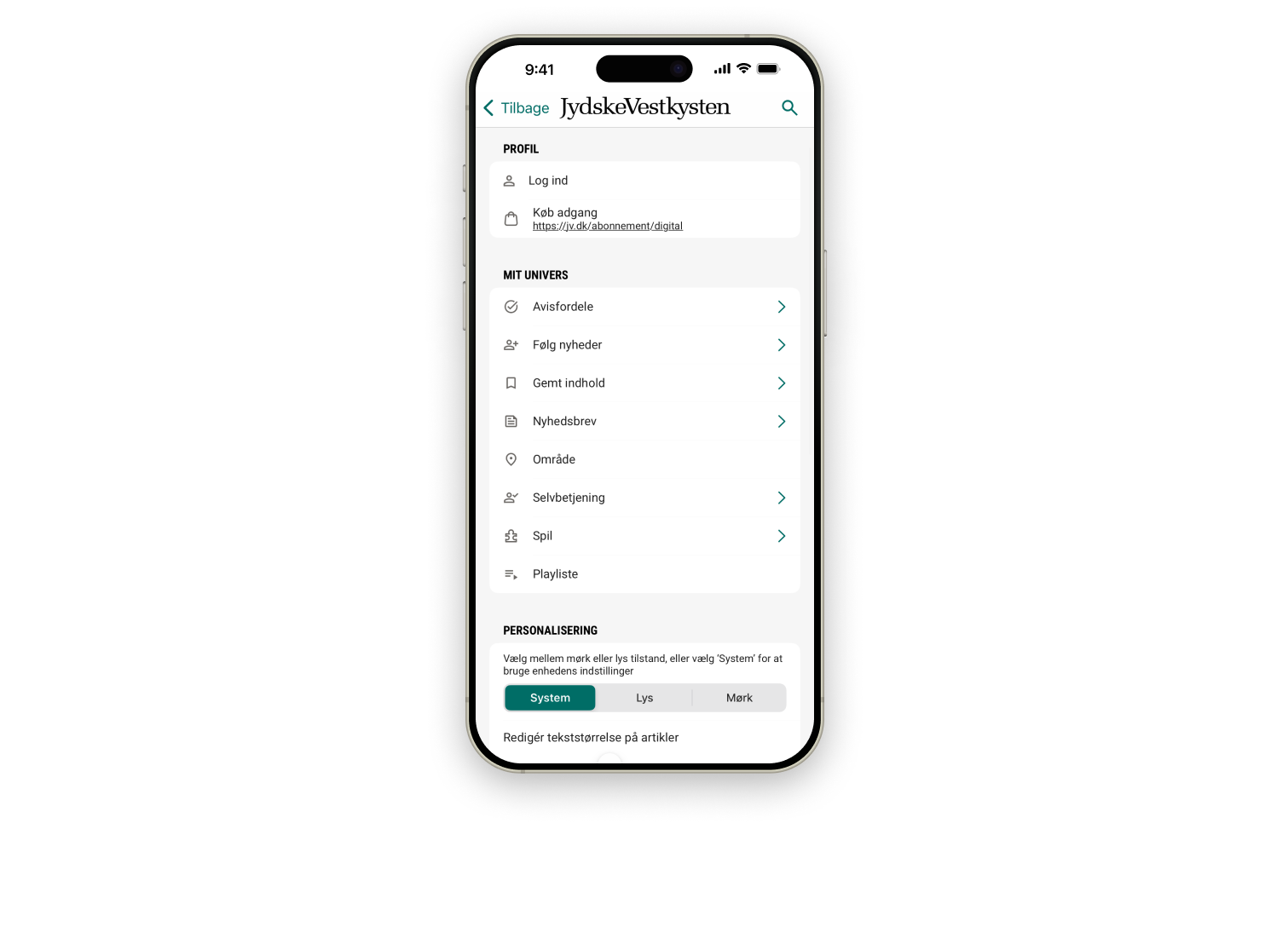
At JFM, I worked with Pugpig on a refreshed mobile news experience across 16 titles, bringing personalization, editions, audio, podcasts, and live sport into one app platform.

See image gallery →

Use arrows ↔
JFM news app gallery image 1
JFM news app gallery image 2
JFM news app gallery image 3

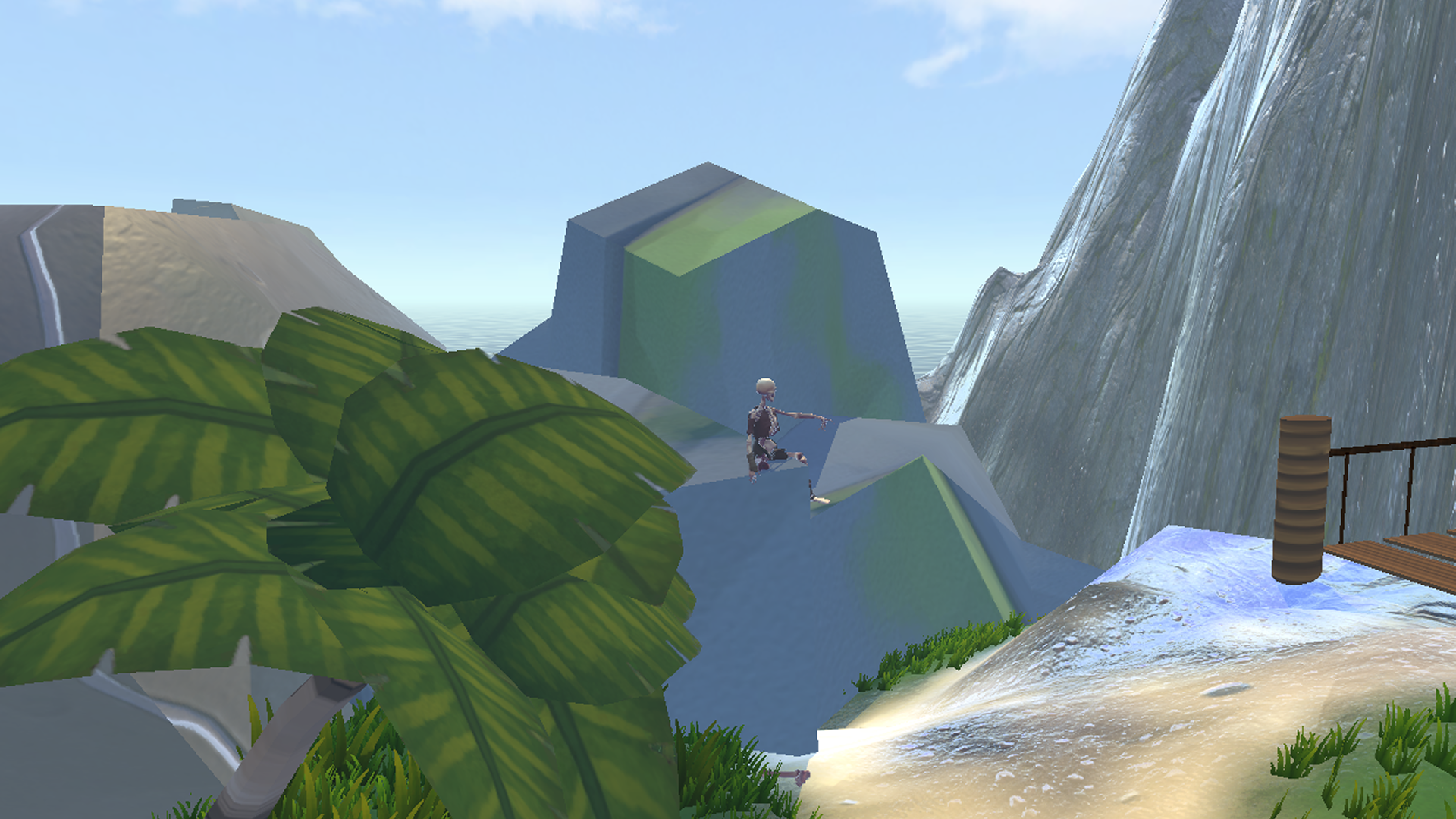
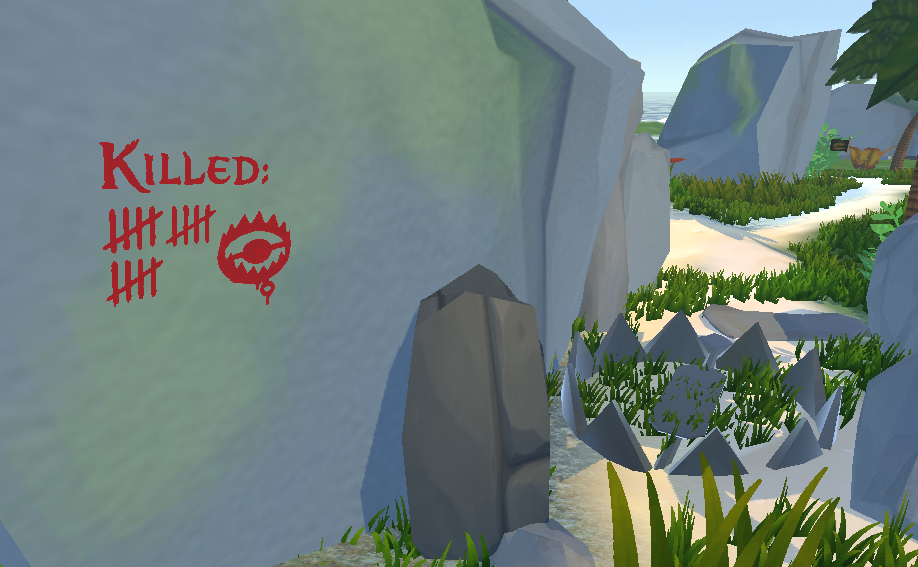
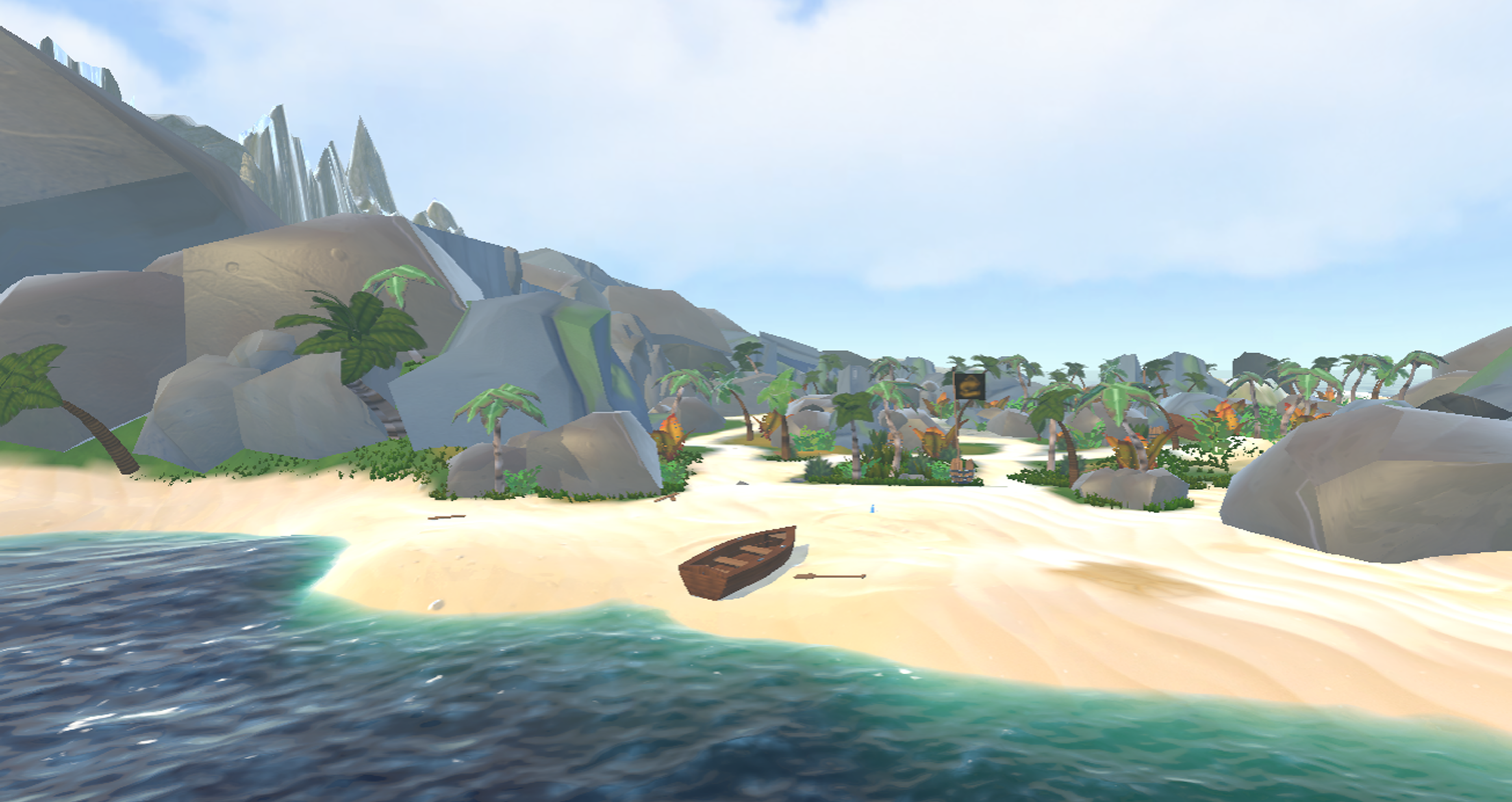
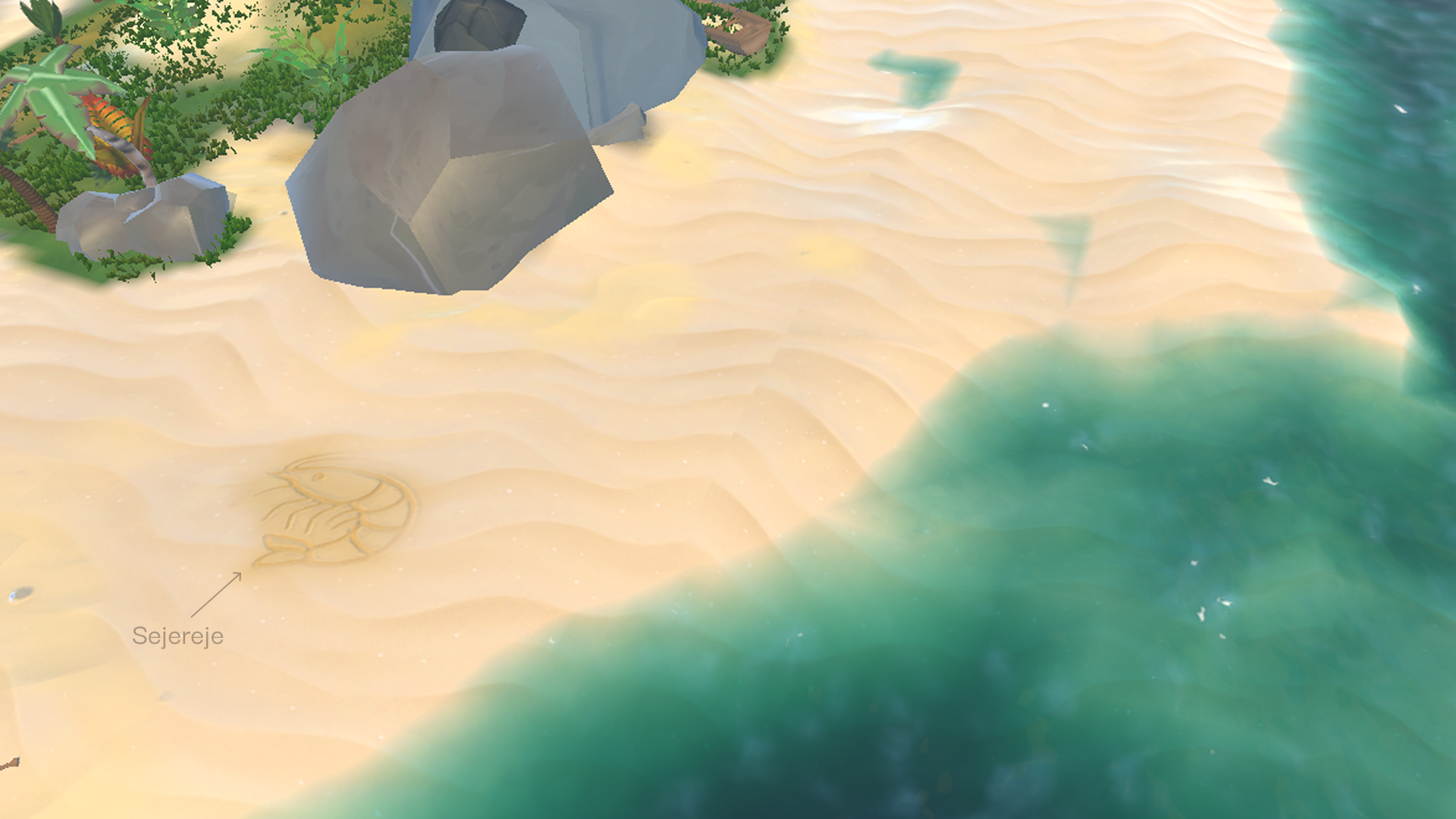
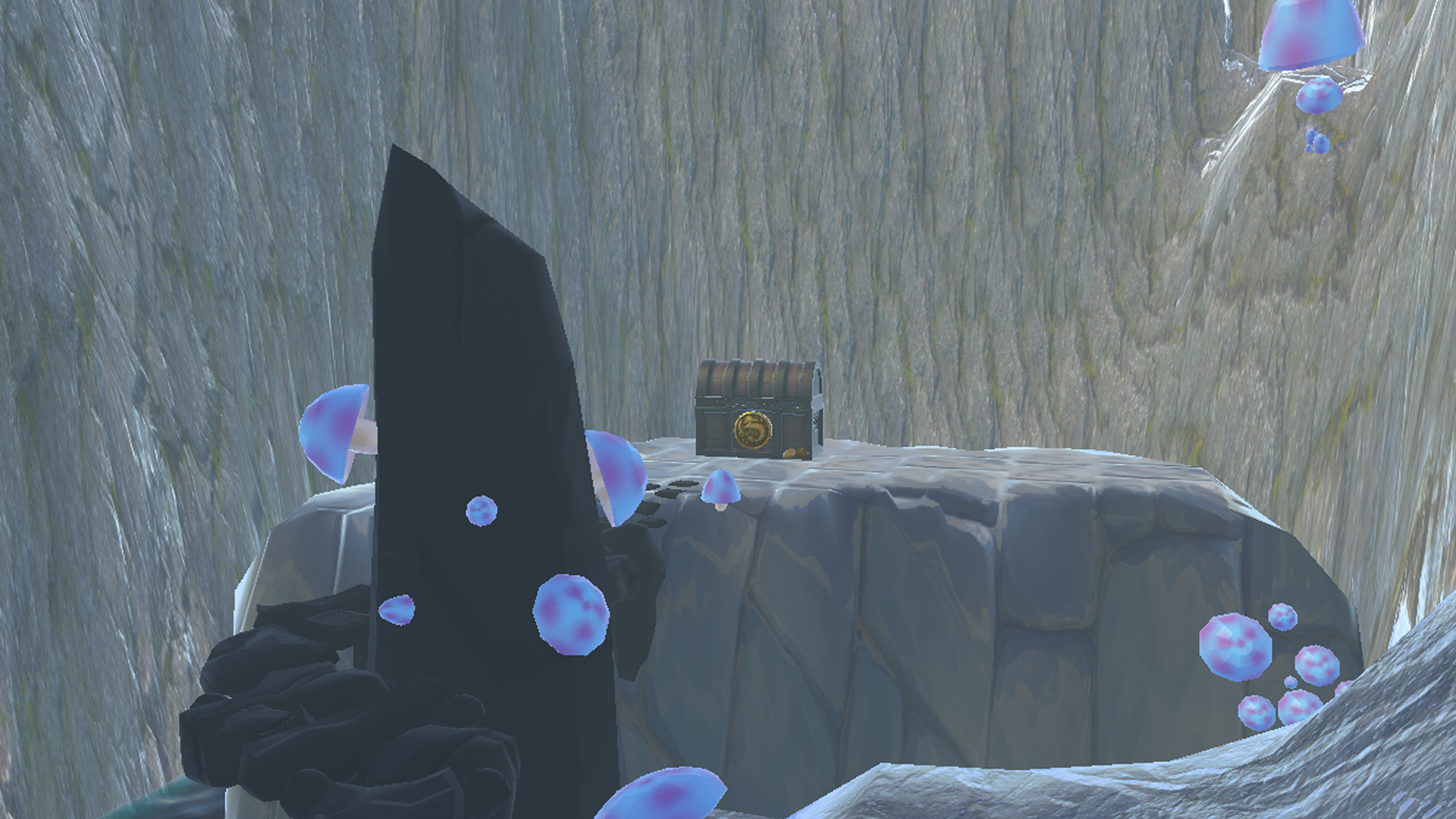
Silent Shores is a non-verbal co-op game where two players work together without speaking. One player is a pirate in VR, exploring an island in search of treasure, while the other uses a map on an interactive table to guide them from above.

The map player can place physical blocks to send signals into the VR world, such as sounds, wind effects, or activated objects like TNT. The pirate must interpret these signals, avoid dangers, solve challenges, and find the treasure through cooperation.

A video of the playtest can be sent upon request by emailing victor.rassers@gmail.com, as the playtester asked for it not to be public.

See images from the in-game world here →

Silent Shores in-game world image 1
Silent Shores in-game world image 2
Silent Shores in-game world image 3
Silent Shores in-game world image 4
Silent Shores in-game world image 5

Museum of Dreams is a VR sandbox made for ARoS, where players remix cultural heritage by drawing on artworks, firing paint, and turning the museum into a playful interactive space.

Demonstration video →

Use arrows ↔